
Team
Team, roles and visibility
Invite colleagues and control who sees which records.
Roles
Admin: everything including billing and settings. Sales manager: their team's records and reports. Salesperson: their own records, unless an admin widens visibility to team or company.
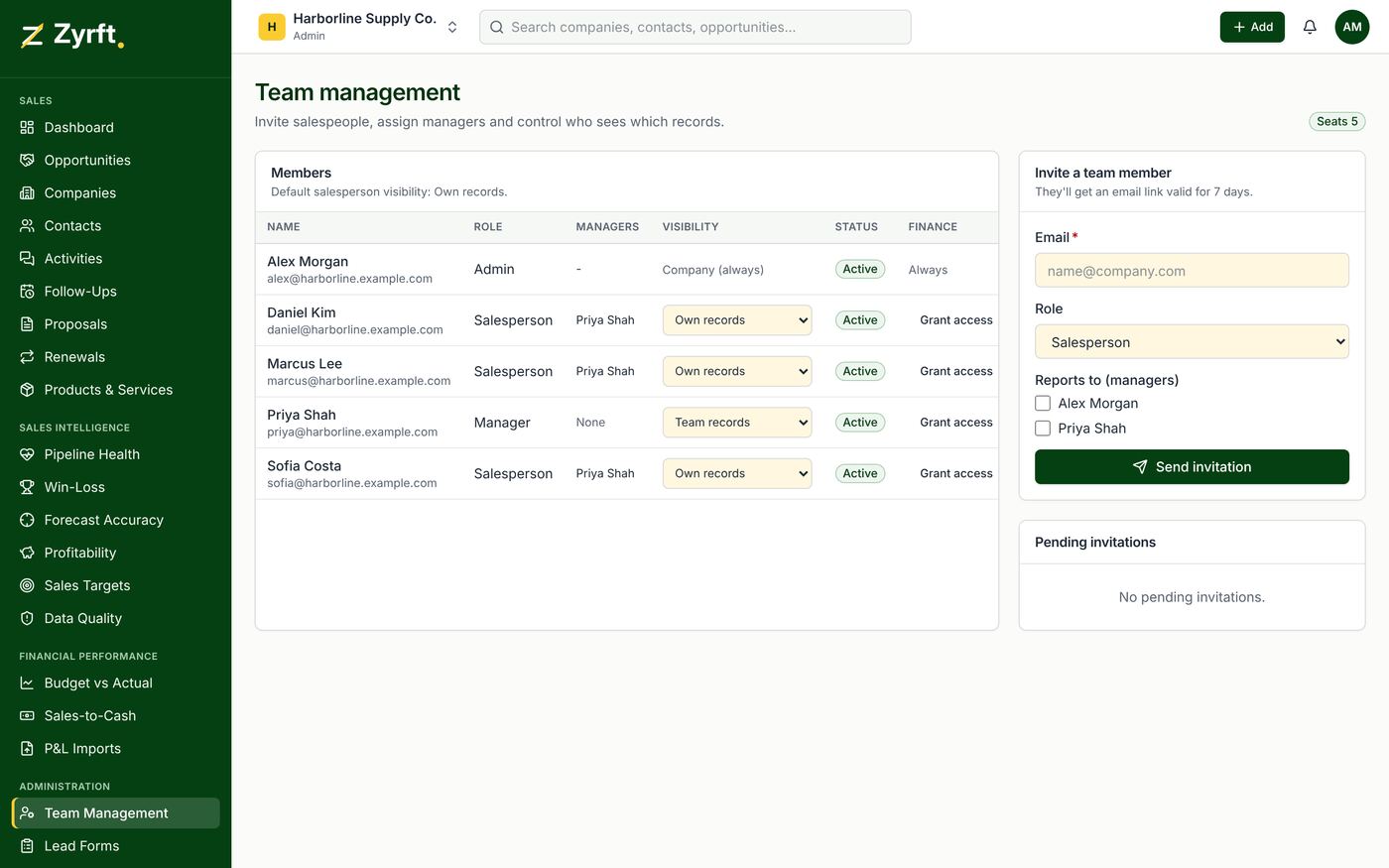
Inviting
- Open Team Management.
- Enter the email and role, assign salespeople to a manager, and choose Send invitation.
- Colleagues who already have a Zyrft account choose Sign in on the invitation; no new account is needed.
Users and billing
On Pro every user is billed ($8 per user per month plus $5 per workspace). Open invitations count as seats. Remove a user or revoke an invitation before reducing seats.