
Data
Import your spreadsheet (Excel or CSV)
Move companies, contacts, opportunities, activities, products and targets from a spreadsheet with a preview first.
Before you start
Use .xlsx or .csv files up to 10 MB. Free imports up to 200 rows at a time; Pro up to 20,000. Legacy .xls files must be saved as .xlsx first.
Steps
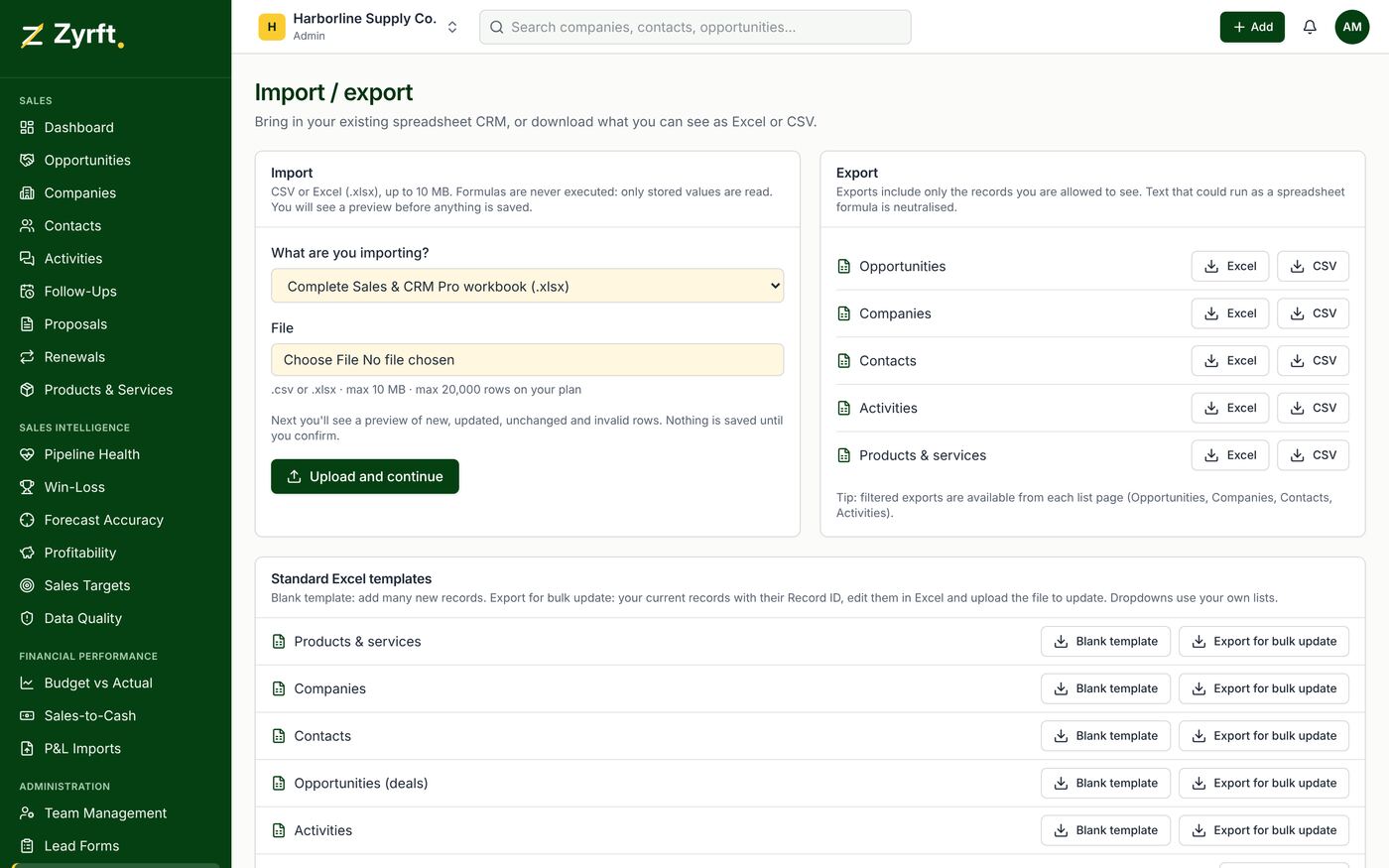
- Open Import / Export.
- Download the blank template for the record type, or upload your own file.
- Map each column to a Zyrft field; unmatched columns are skipped.
- Check the preview. Invalid rows show the row number and column.
- Confirm. You get counts of created, updated, unchanged and failed rows plus a downloadable error report.
Safety rules
Nothing is ever deleted by an import. Blank cells never erase data; type [clear] to erase an optional value. Importing the same file twice is safe: matched rows show as unchanged. Formulas in files are never executed.
Bulk update
Use Export for bulk update to edit existing records in Excel. Keep the Record ID column unchanged; Zyrft uses it to match rows.